Step 1
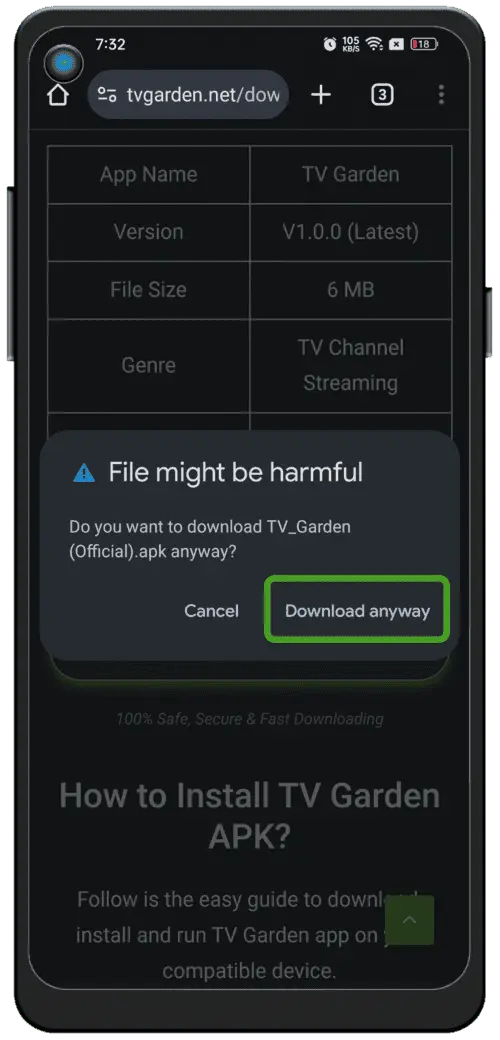
Continue the download
When your browser asks for confirmation, tap “Download anyway”.
Follow these steps to download, install, and set up MeetU on your Android device.
When your browser asks for confirmation, tap “Download anyway”.
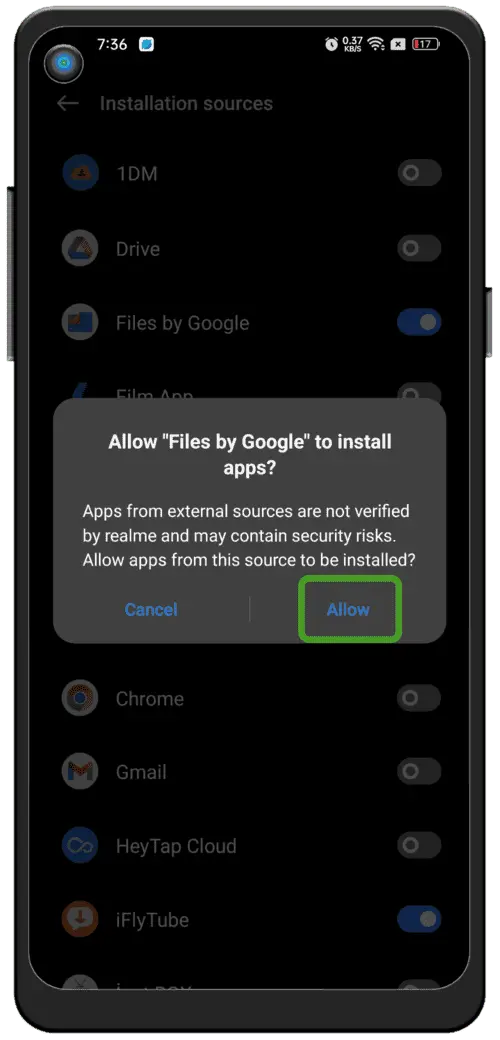
Allow this browser or your Files app to install the APK.
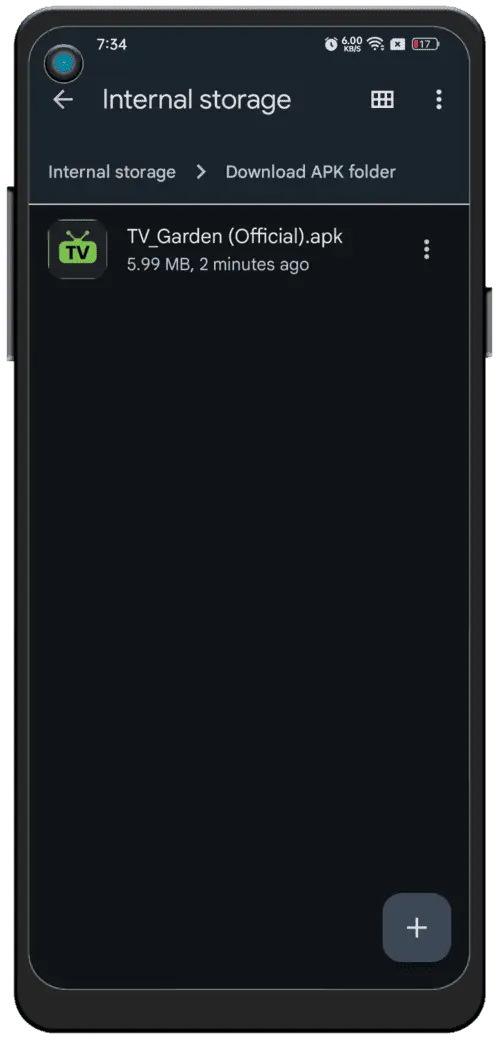
Open the downloaded APK and tap “Install”.
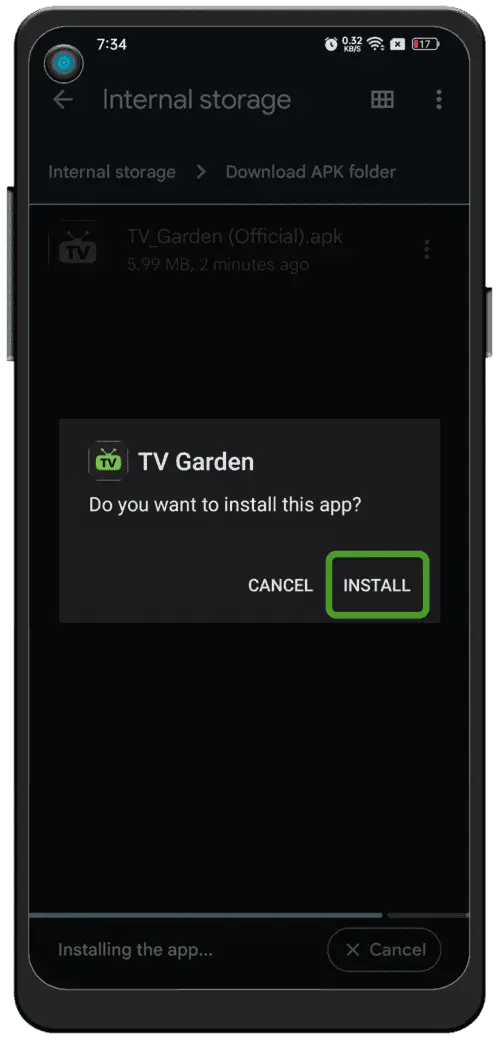
Once install finishes, open MeetU and start meeting people.
Tap the download button. The APK will save to your phone.
If prompted, allow this browser to install unknown apps.
Find the APK in Downloads, tap “Install,” then open MeetU.